How to Register Your Drone With the FAA
Before you fly, you need to register your drone with the FAA. Here’s who needs to register, what it costs, and exactly how to do it on FAA DroneZone in under 10 minutes.
Quick answer
If your drone weighs more than 0.55 lbs (250g), you must register it with the FAA before flying. If you fly commercially under Part 107, registration is required regardless of weight. Recreational pilots flying drones under 250g — like the DJI Mini series — do not need to register. Registration costs $5, is valid for 3 years, and takes about 10 minutes at FAADroneZone. You must then mark your registration number on the outside of the drone.
Who needs to register?
The rule is simple and based on weight. Any drone weighing more than 0.55 pounds (250 grams) must be registered with the FAA before its first flight. That covers almost every drone beyond the smallest “sub-250g” models.
- 250g or under, flown commercially (Part 107) — registration is required, regardless of weight.
- Over 250g — registration is required, whether you fly for fun or for business.
- Exactly 250g or under, flown recreationally — registration is not required.
Not sure how much your drone weighs?
Check the manufacturer’s spec sheet for the “takeoff weight.” Popular sub-250g models include the DJI Mini series; almost everything larger crosses the threshold.
Recreational vs. Part 107 registration
There are two registration types on FAA DroneZone, and choosing the right one matters:
| Recreational | Part 107 | |
|---|---|---|
| For | Flying for fun | Flying for business |
| Covers | All your drones under one number | Each drone registered individually |
| Cost | $5 (one registration) | $5 per drone |
| Min. age | 13+ | 16+ |
Pick the right category
If you fly the same drone for both fun and paid work, you must register under Part 107. When in doubt, register commercially — it covers every kind of flight.
What does it cost & how long it lasts
Registration is inexpensive and lasts three years before it needs to be renewed.
What you’ll need before you start
Have these ready so you can finish in one sitting:
- An email address (for your FAA DroneZone account)
- Your physical and mailing address
- A credit or debit card for the $5 fee
- The make and model of your drone
- Your drone’s Remote ID serial number (for standard Remote ID drones)
How to register — step by step
The entire process happens on the official FAA DroneZone website. Here’s the flow:
- Go to FAADroneZone.faa.gov and create a free account (or log in).
- Choose your registration type — “Recreational Flyer” or “Part 107.”
- Enter your details — name, address, and email.
- Add your drone(s) — make, model, and Remote ID serial number.
- Pay the $5 fee and submit.
- Save your certificate — your registration number appears immediately. Download the PDF.
Go to FAADroneZone.faa.gov and create a free account (or log in).

Select FAA DroneZone Services

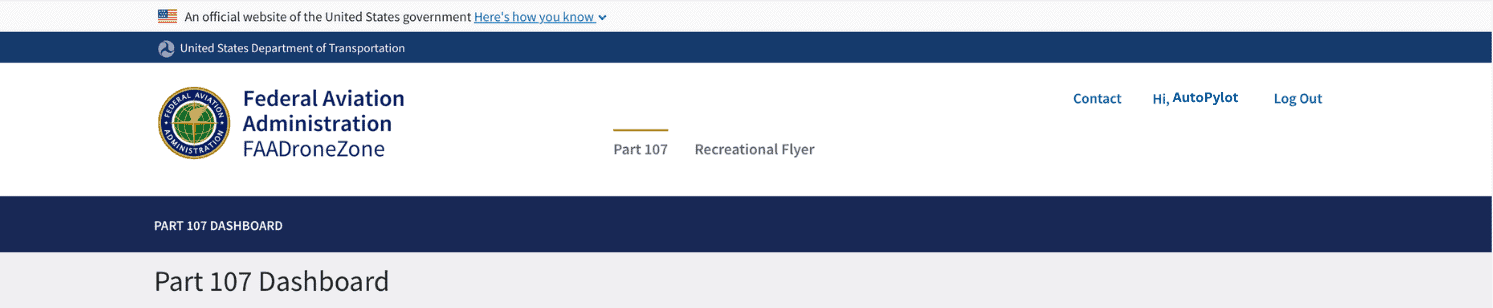
Select Part 107 or Recreational Flyer
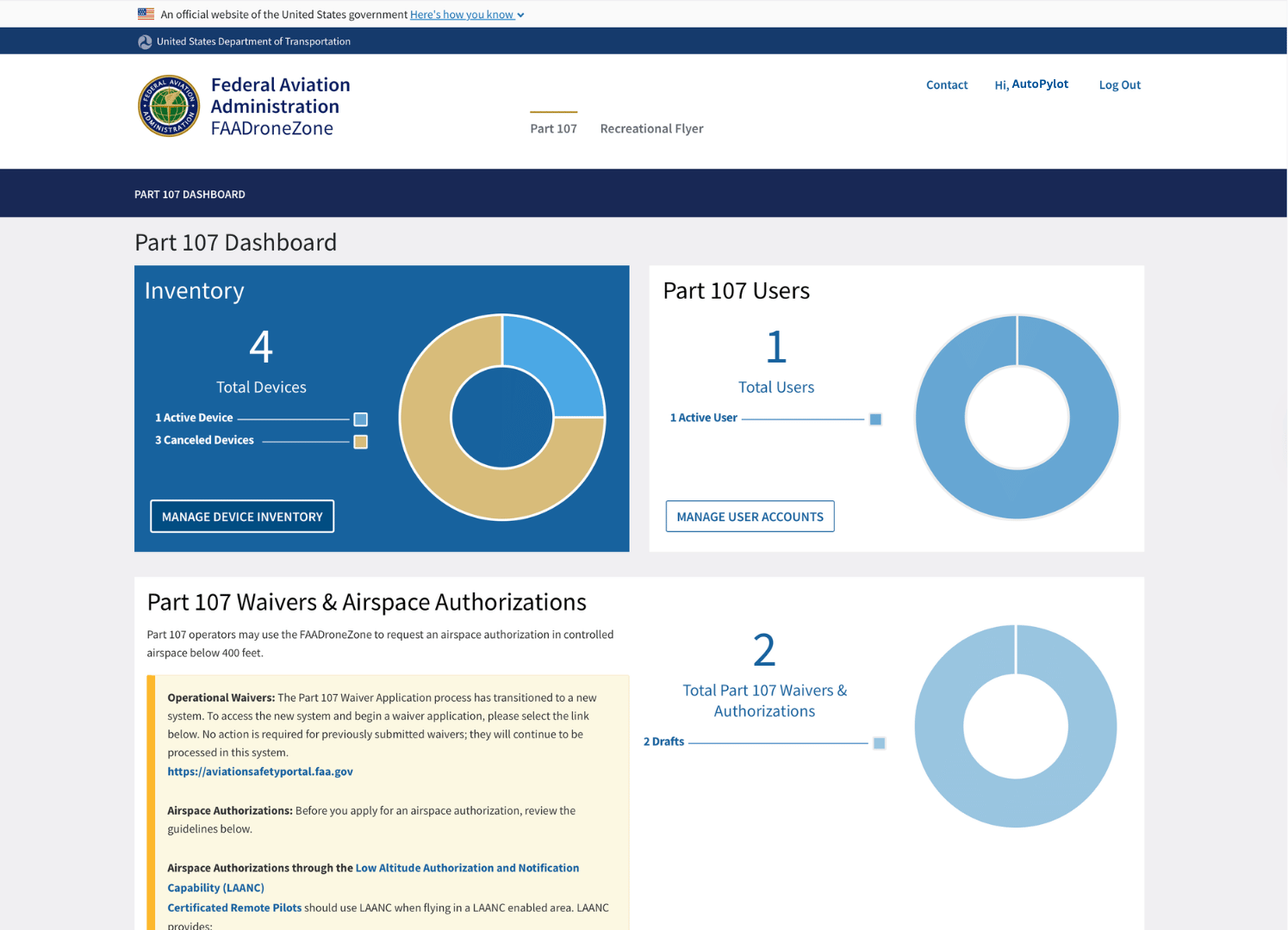
Select Manage Device Inventory
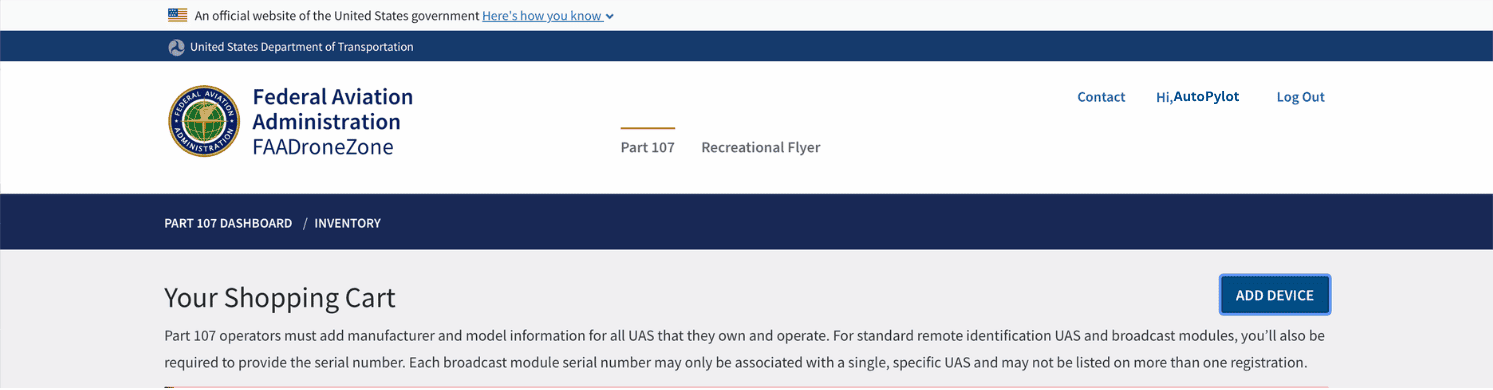
Select add device to start the registration process
Only use the official site
Register only at FAADroneZone. Third-party sites often charge inflated “service fees” for what the FAA does for $5. The FAA never charges more than $5 per registration.
Marking your drone & RemoteID
Registration isn’t finished when you pay — you have two more obligations:
- Mark your registration number on the exterior of the drone, where it’s readable without tools. A label maker or permanent marker works.
- Confirm Remote ID. As of 2024, most drones must broadcast Remote ID — a “digital license plate.” Standard Remote ID drones broadcast automatically; older drones may need a broadcast module.

Ready for your first flight?
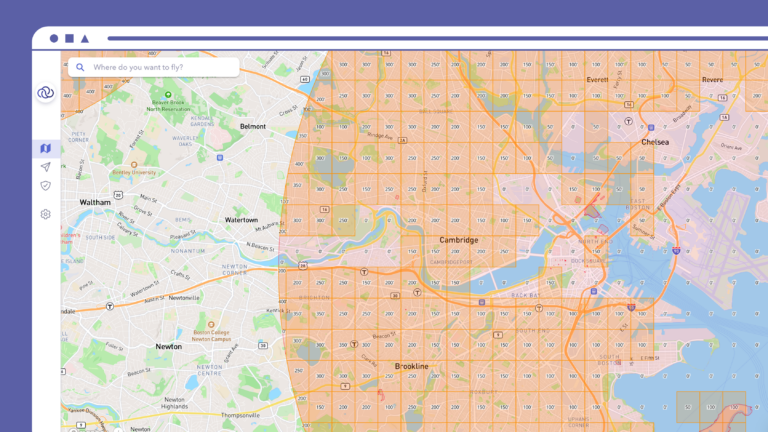
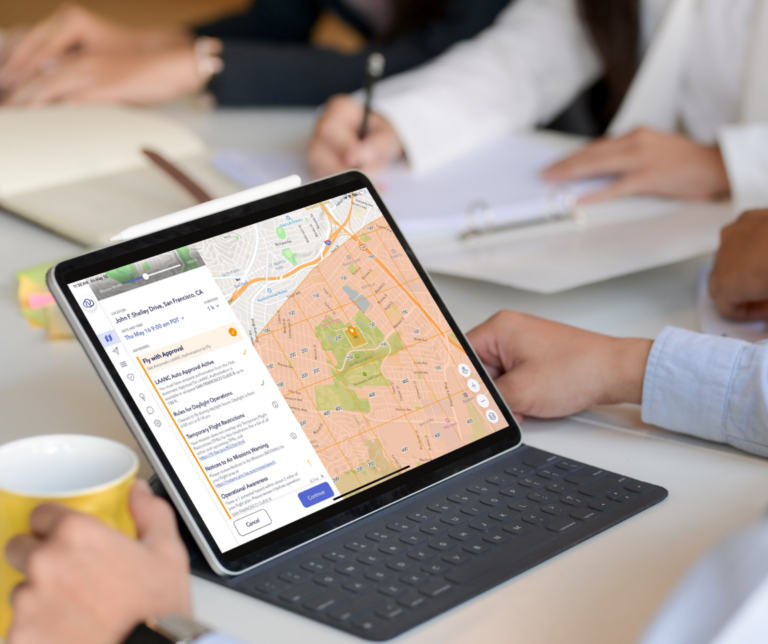
Track your registered drones, manage equipment, and store your FAA details — all inside AutoPylot’s built-in fleet management. Plus, check airspace, weather, and request LAANC before every flight.
Drone registration FAQ
$5 per registration, paid directly to the FAA on DroneZone. Recreational flyers pay $5 to cover all their drones under one number; Part 107 pilots pay $5 per drone. The registration is valid for 3 years.
Not if you fly it recreationally — drones at or under 250g are exempt for hobby use. However, if you fly any drone (even a sub-250g one) commercially under Part 107, it must be registered.
The online form takes about 10 minutes to complete, and your registration number is issued immediately after payment. There’s no waiting period — you can fly as soon as you’ve marked the number on your drone.
Flying an unregistered drone that requires registration can carry significant civil penalties (up to $27,500) and, in serious cases, criminal penalties. Registration is cheap and fast — there’s no reason to skip it.
Yes. Registration lasts 3 years. You’ll renew it on FAA DroneZone for another $5 when it expires. The FAA sends a reminder to the email on your account.